mirror of
https://github.com/langgenius/dify-docs.git
synced 2026-03-27 13:28:32 +07:00

---
title: Creating Knowledge Base
---
To create a knowledge base and upload documents, follow these steps:
1. Create a knowledge base by uploading local files, importing online data, or creating an empty knowledge base.
<Card title="Import Text Data" icon="link" href="/en/guides/knowledge-base/create-knowledge-and-upload-documents/import-content-data">
Choose to create a knowledge base by uploading local files or importing online data
</Card>
2. Choose a chunking mode. This stage involves content preprocessing and data structuring, where long texts are divided into multiple content chunks. You can preview the text chunking results at this stage.
<Card title="Chunking and Cleaning Text" icon="link" href="/en/guides/knowledge-base/create-knowledge-and-upload-documents/chunking-and-cleaning-text">
Learn how to set up text chunking and cleaning rules
</Card>
3. Set up the indexing method and retrieval settings. After receiving a user query, the knowledge base searches for relevant content in existing documents according to preset retrieval methods, extracting highly relevant information chunks for the language model to generate high-quality answers.
<Card title="Setting up Indexing Methods" icon="link" href="/en/guides/knowledge-base/create-knowledge-and-upload-documents/setting-indexing-methods">
Learn how to configure retrieval methods and related settings
</Card>
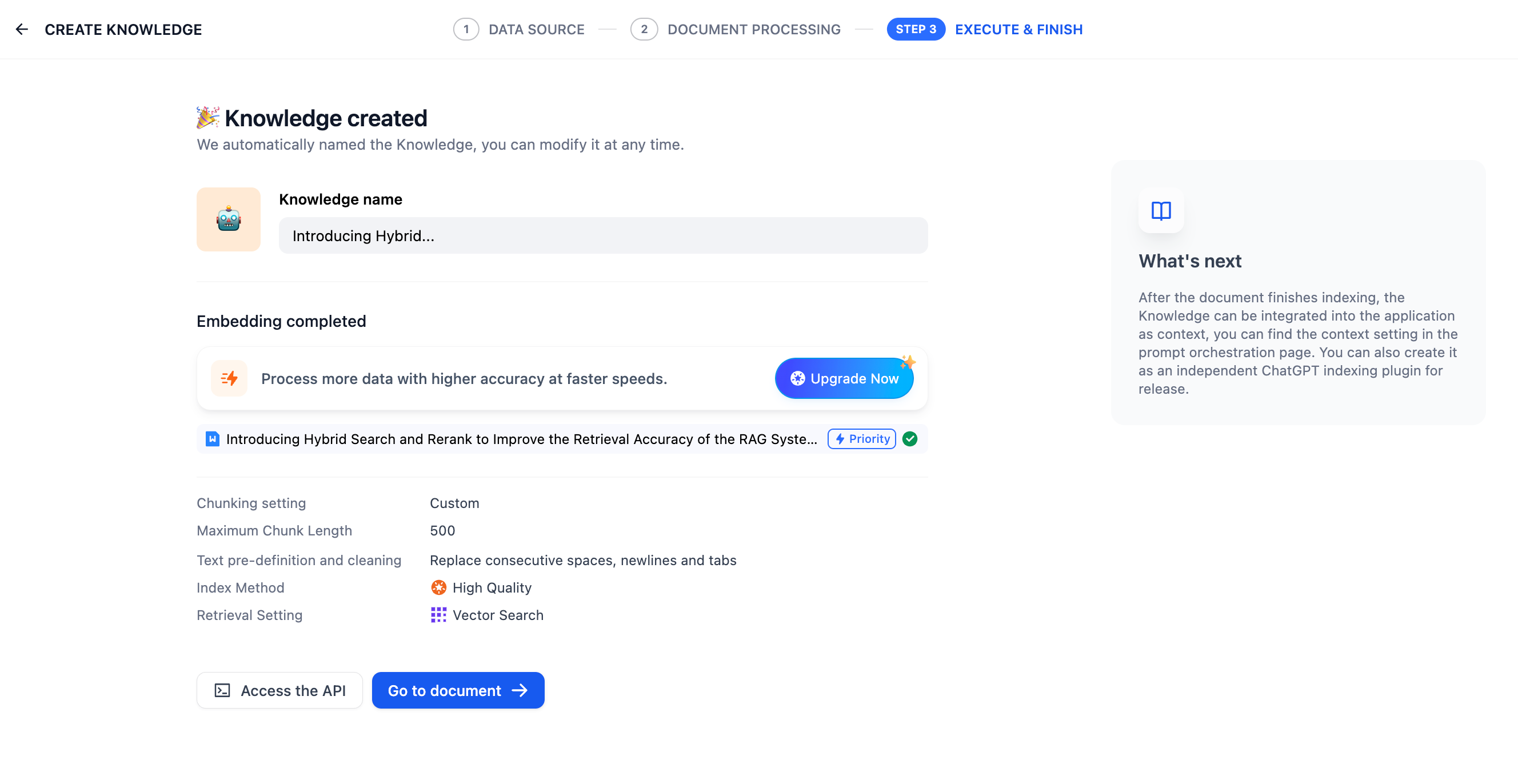
5. Wait for chunk embedding
6. Complete the upload, integrate the knowledge base in the application and use it. You can refer to [Integrating Knowledge Base in Applications](/en/guides/knowledge-base/integrate-knowledge-within-application) to build an LLM application capable of answering questions based on the knowledge base. For knowledge base modification or management, please refer to [Managing Knowledge Base and Documents](/en/guides/knowledge-base/knowledge-and-documents-maintenance).
### Reference Reading
#### ETL
In production-level RAG applications, data preprocessing and cleaning of multi-source data, or ETL (_extract, transform, load_), is necessary for better data recall results. To enhance the preprocessing capabilities of unstructured/semi-structured data, Dify supports optional ETL solutions: **Dify ETL** and [**Unstructured ETL**](https://unstructured.io/). Unstructured efficiently extracts and transforms your data into clean data for subsequent steps. ETL solution choices for different versions of Dify:
* SaaS version: Non-optional, uses Unstructured ETL by default;
* Community version: Optional, uses Dify ETL by default, can enable Unstructured ETL through [environment variables](/en/getting-started/install-self-hosted/environments#knowledge-base-configuration);
Differences in supported file parsing formats:
| DIFY ETL | Unstructured ETL |
| --- | --- |
| txt, markdown, md, pdf, html, htm, xlsx, xls, docx, csv | txt, markdown, md, pdf, html, htm, xlsx, xls, docx, csv, eml, msg, pptx, ppt, xml, epub |
Different ETL solutions also have differences in file extraction effects. To learn more about Unstructured ETL's data processing methods, please refer to the [official documentation](https://docs.unstructured.io/open-source/core-functionality/partitioning).
#### **Embedding**
**Embedding** is a technique for converting discrete variables (such as words, sentences, or entire documents) into continuous vector representations. It can map high-dimensional data (such as words, phrases, or images) to low-dimensional spaces, providing a compact and efficient representation. This representation not only reduces data dimensionality but also preserves important semantic information, making subsequent content retrieval more efficient.
**Embedding models** are large language models specifically designed for text vectorization. They excel at converting text into dense numerical vectors, effectively capturing semantic information.
> To learn more, please refer to: ["Dify: Embedding Technology and Dify Knowledge Base Design/Planning"](https://mp.weixin.qq.com/s/vmY_CUmETo2IpEBf1nEGLQ).
#### **Metadata**
To use metadata functionality for managing knowledge bases, please refer to [Metadata](/en/guides/knowledge-base/metadata).
{/*
Contributing Section
DO NOT edit this section!
It will be automatically generated by the script.
*/}
---
[Edit this page](https://github.com/langgenius/dify-docs/edit/main/en/guides/knowledge-base/create-knowledge-and-upload-documents/readme.mdx) | [Report an issue](https://github.com/langgenius/dify-docs/issues/new?template=docs.yml)