mirror of
https://github.com/langgenius/dify-docs.git
synced 2026-03-27 13:28:32 +07:00
 bac200d031
* correct the variable inspect page title

* refine images and indents

---------

Co-authored-by: Riskey <riskey47@dify.ai>
33 lines
1.4 KiB
Plaintext
33 lines
1.4 KiB
Plaintext
---
|
|
title: "Variable Inspector"
|
|
icon: "arrow-progress"
|
|
---
|
|
|
|
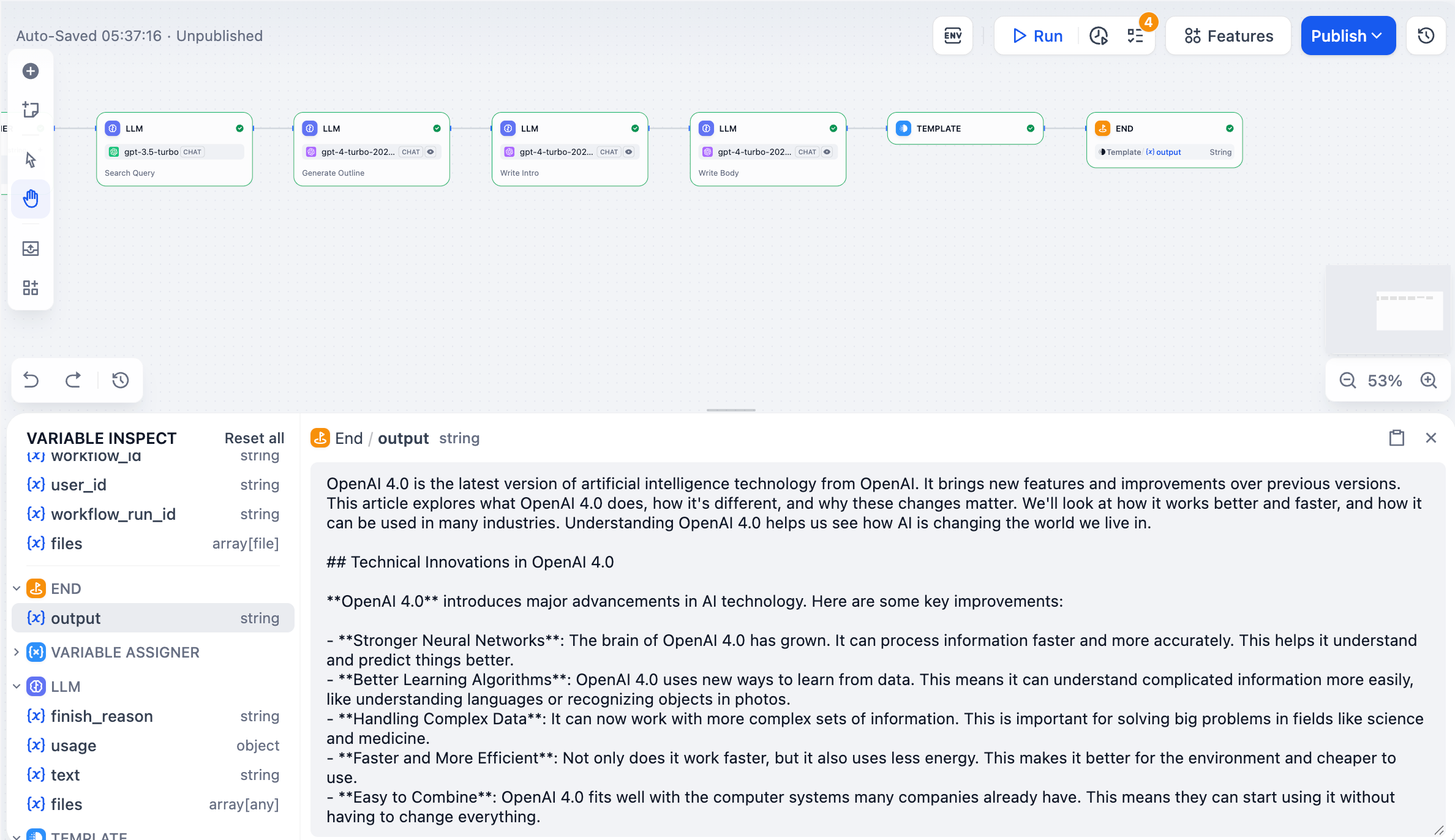
The Variable Inspector shows you all the data flowing through your workflow. It captures inputs and outputs from each node after they run, so you can see what's happening and test different scenarios.
|
|
|
|
|
|
|
|
## Viewing variables
|
|
|
|
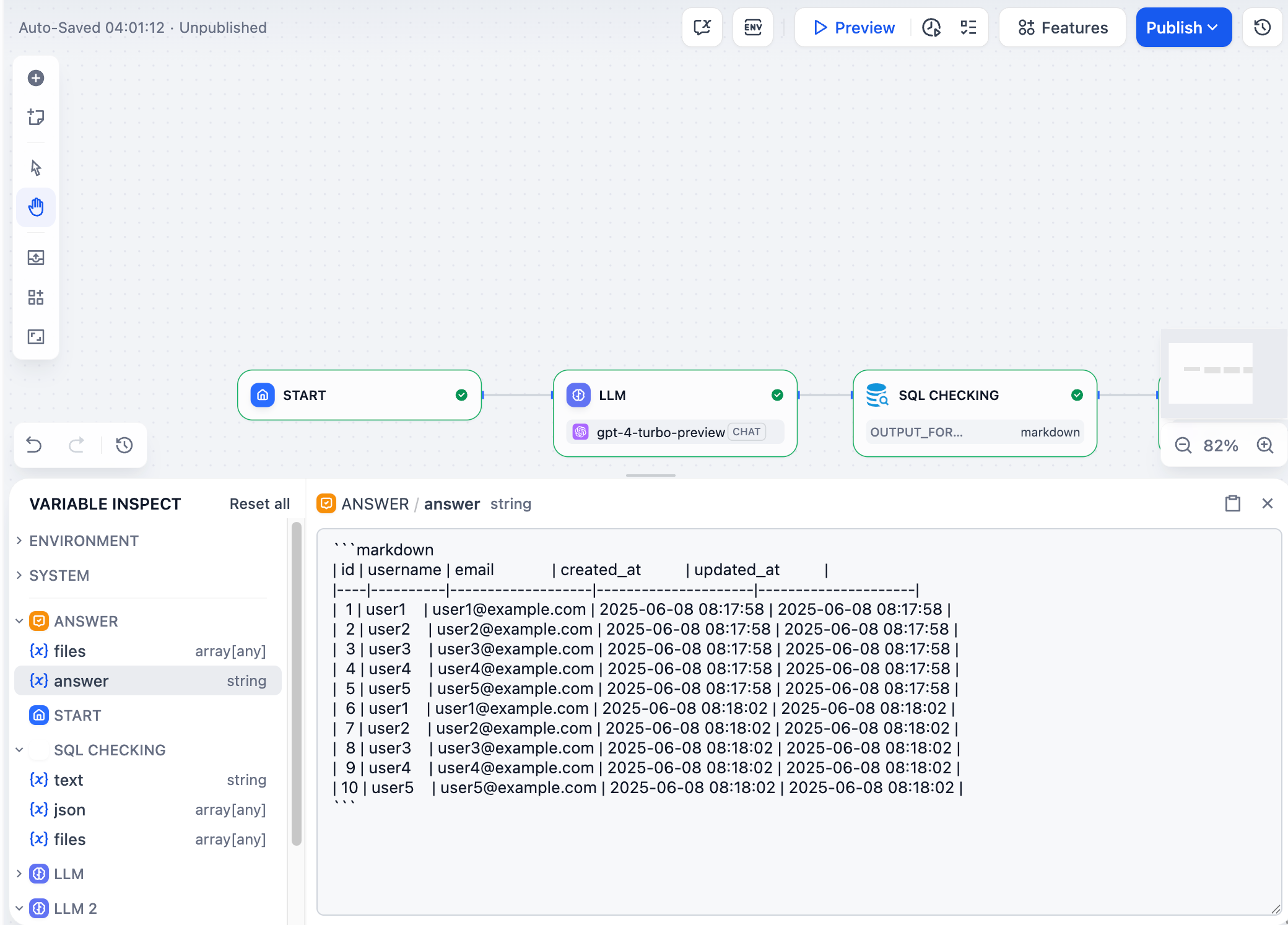
After any node runs, its output variables appear in the inspector panel at the bottom of the screen. Click any variable to see its full content.
|
|
|
|
|
|
|
|
## Editing variables
|
|
|
|
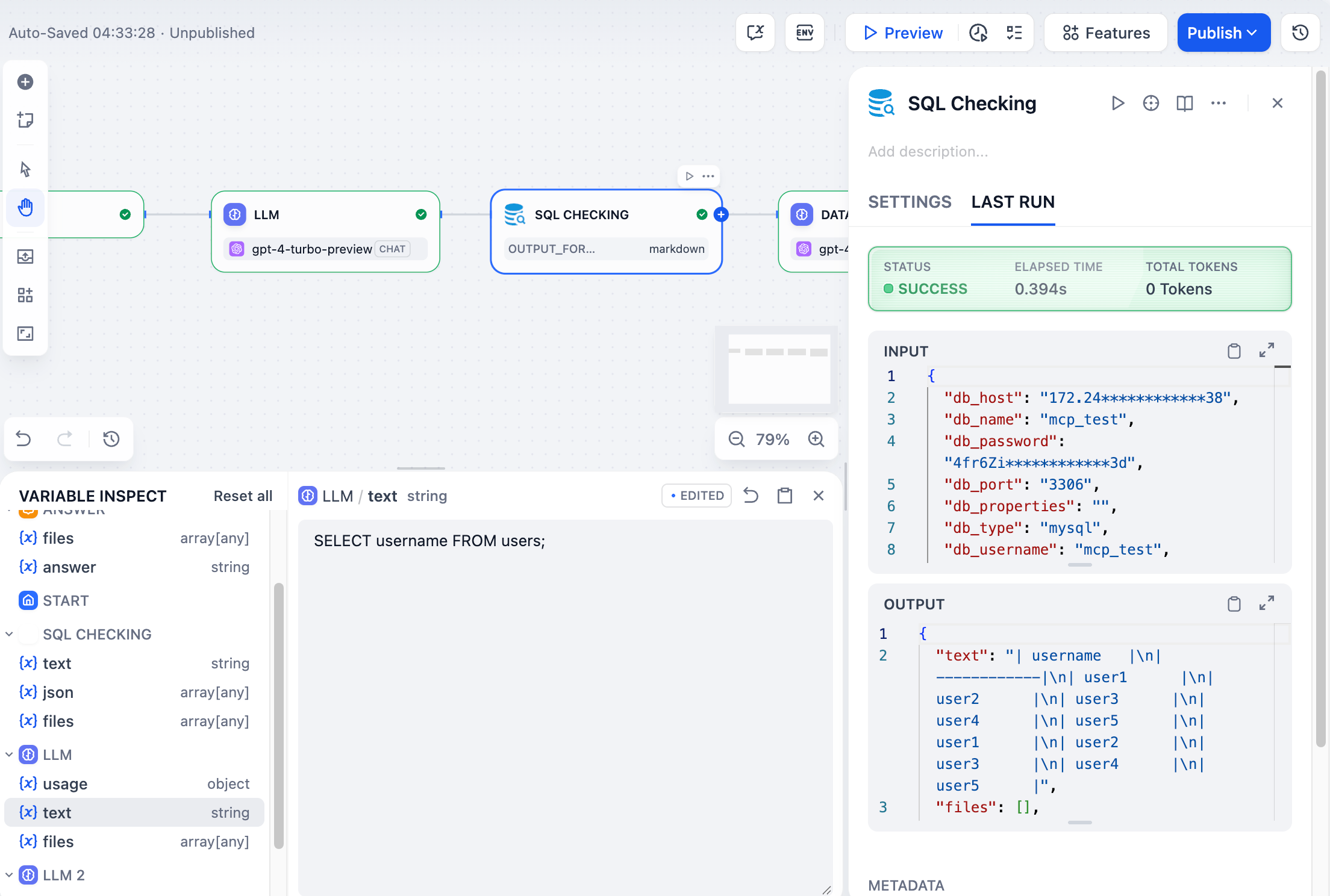
You can edit most variable values by clicking on them. When you run downstream nodes, they'll use your edited values instead of the original ones. This lets you test different scenarios without re-running the entire workflow.
|
|
|
|
<Info>
|
|
Editing variables here doesn't change the "Last run" record for the node that originally created them.
|
|
</Info>
|
|
|
|
For example, if an LLM node generates SQL like `SELECT * FROM users`, you can edit it to `SELECT username FROM users` in the inspector and then re-run just the database node to see different results.
|
|
|
|
|
|
|
|
## Resetting variables
|
|
|
|
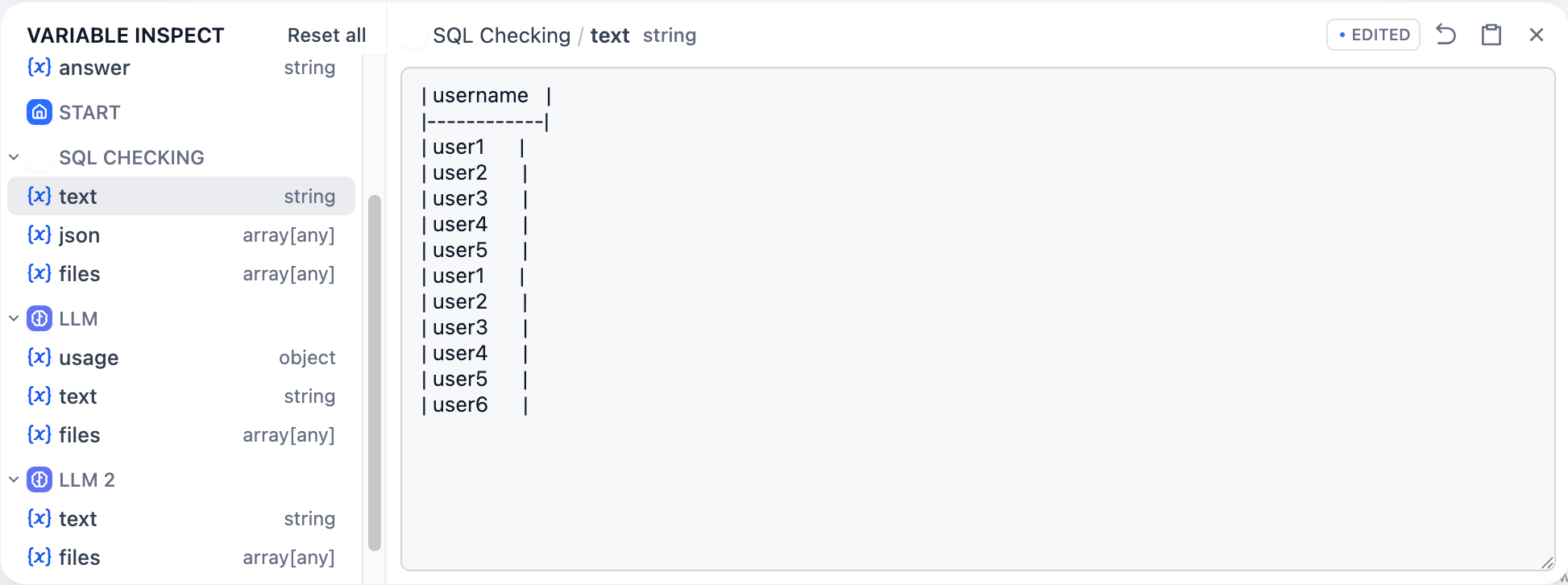
Click the revert icon next to any variable to restore its original value, or click "Reset all" to clear all cached variables at once.
|
|
|
|
|