mirror of
https://github.com/GoogleChrome/chrome-extensions-samples.git
synced 2026-03-27 13:29:34 +07:00
 2862740483
* Use <number>.<number> format for Google Analytics client ID

With the `ENFORCE_RECOMMENDATIONS` [validation behavior](https://developers.google.com/analytics/devguides/collection/protocol/ga4/validating-events?client_type=firebase#send_events_for_validation), Google Analytics warns about client IDs not in the <number>.<number> format.

This is not an issue in practice - that recommendation is for compatibility with existing client IDs and events are still processed with a client ID in any format. Additionally, the validation is not enabled by default.

However, this PR updates our sample code to use a consistent ID regardless to reduce noise if the validation is enabled. We use a random ID concatenated with a UNIX timestamp to match other GA client libraries.

* Run eslint
Google Analytics 4 example
This example demonstrates how to track extension events in Google Analytics 4 using the Measurement Protocol.
Running this extension
- Clone this repository.
- Get your
api_secretand themeasurement_idas described in the Measurement Protocol documentation. Add these in scripts/google-analytics.js:const MEASUREMENT_ID = '<measurement_id>'; const API_SECRET = '<api_secret>'; - Load this directory in Chrome as an unpacked extension.
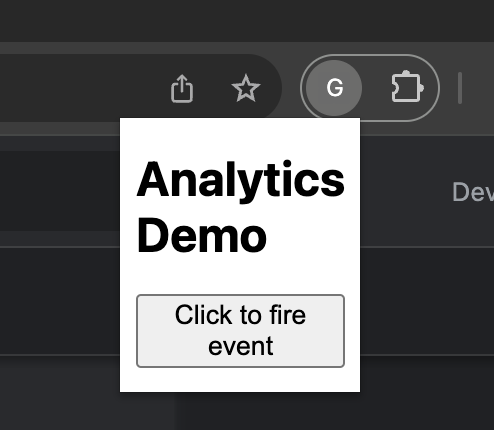
- Click the extension icon to open the extension popup and click the button to generate a few analytics events.
- Check out the real-time report to see how the events surface in Google Analytics.
