mirror of
https://github.com/GoogleChrome/chrome-extensions-samples.git
synced 2026-03-26 13:19:49 +07:00
 77f3b8d807
These were being loaded from a CDN from our old hosting
infrastructure for developer.chrome.com. This is no longer live,
and we shouldn't have been using external images anyway, so move
all of the images to the repo.

Fixes #1171
Google Analytics 4 example
This example demonstrates how to track extension events in Google Analytics 4 using the Measurement Protocol.
Running this extension
- Clone this repository.
- Get your
api_secretand themeasurement_idas described in the Measurement Protocol documentation. Add these in scripts/google-analytics.js:const MEASUREMENT_ID = '<measurement_id>'; const API_SECRET = '<api_secret>'; - Load this directory in Chrome as an unpacked extension.
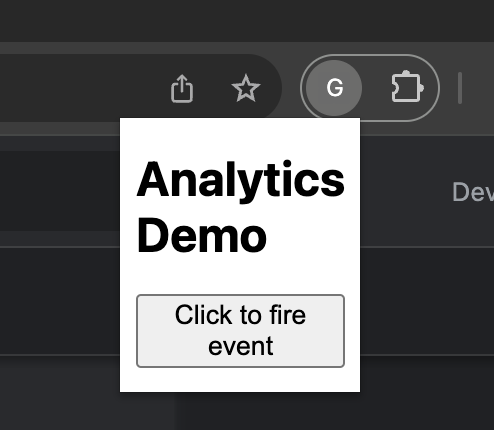
- Click the extension icon to open the extension popup and click the button to generate a few analytics events.
- Check out the real-time report to see how the events surface in Google Analytics.
